Bring the work together
Import records and connect supported sales channels, mailboxes, accounting and shipping accounts.
Explore connections →Bring stock, orders, suppliers and Money together. Let StockChief prepare and carry out supported work under your authority, with the decisions that need you in one place.
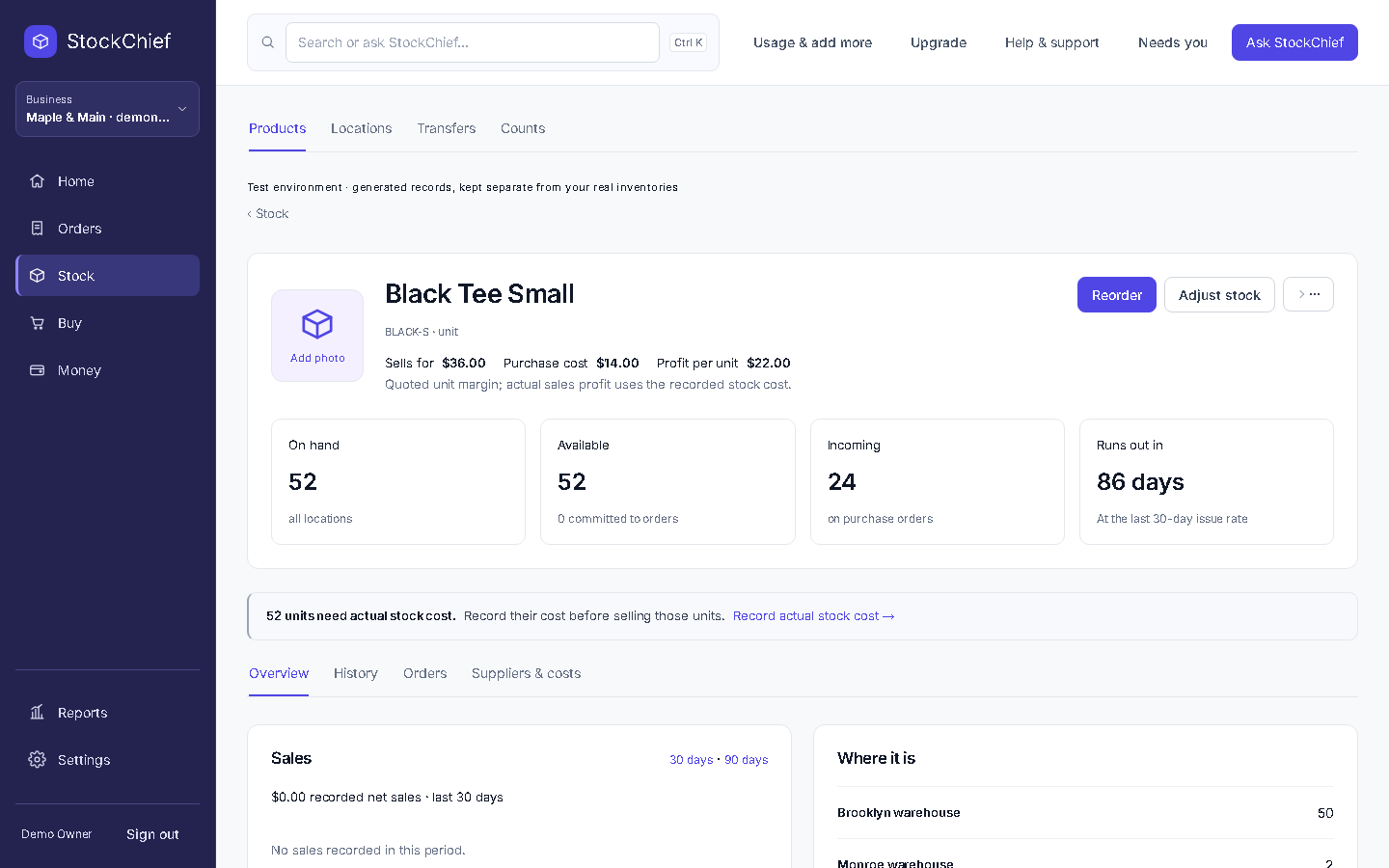
Each step uses the same products, locations and business records.
Import records and connect supported sales channels, mailboxes, accounting and shipping accounts.
Explore connections →See stock, commitments, incoming supply and the records that explain them.
See the capabilities →Ask StockChief to investigate, prepare supported work or build a report from your records.
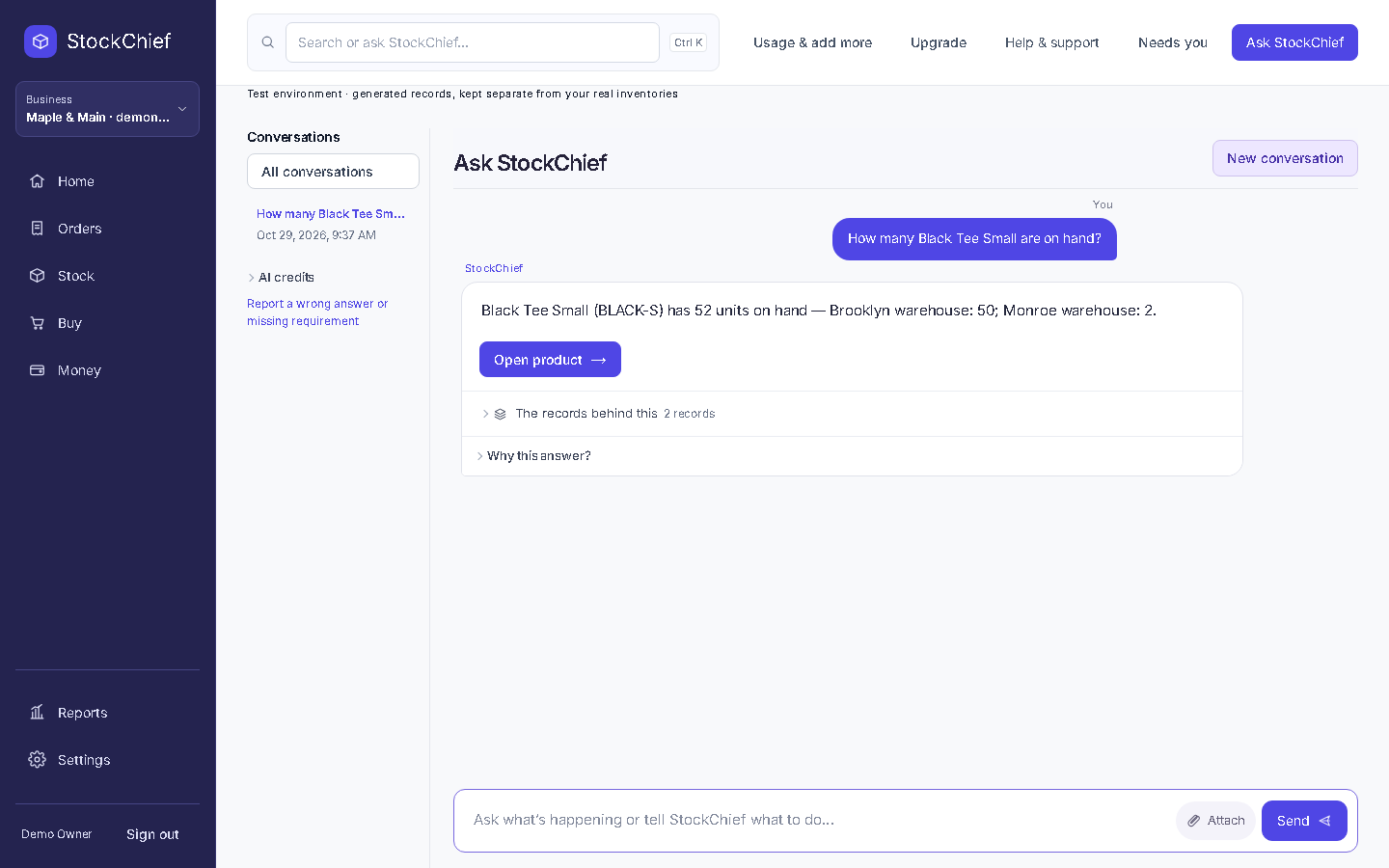
Watch an actual answer →Review required decisions, follow recorded progress and inspect the result.
Understand your controls →Products, variants, locations, lots, serials and the movements behind each balance.
Supplier costs, lead times, purchase orders, transfers and physical receipts remain connected.
See the purchase order →Reservations, partial fulfillment, shipments, invoices and returns keep their supporting records.
Explore order operations →Find a business fact, investigate an issue or prepare a supported action. Consequential changes follow your authority.
See customer balances, supplier bills, inventory value and profit, with the records behind each amount.
Explore Money →Follow the actual application in a fresh demonstration business. Every chapter below opens the matching point in the recording.
Watch the full walkthrough ↗Synthetic demo records. Captured from the working application.
Connect your own accounts. Available reads, writes and synchronization depend on the provider, granted access and your plan.
Start with a spreadsheet, document, readable image or supported system. StockChief preserves source fields, shows questions and prepares a preview before you approve changes.
How switching works →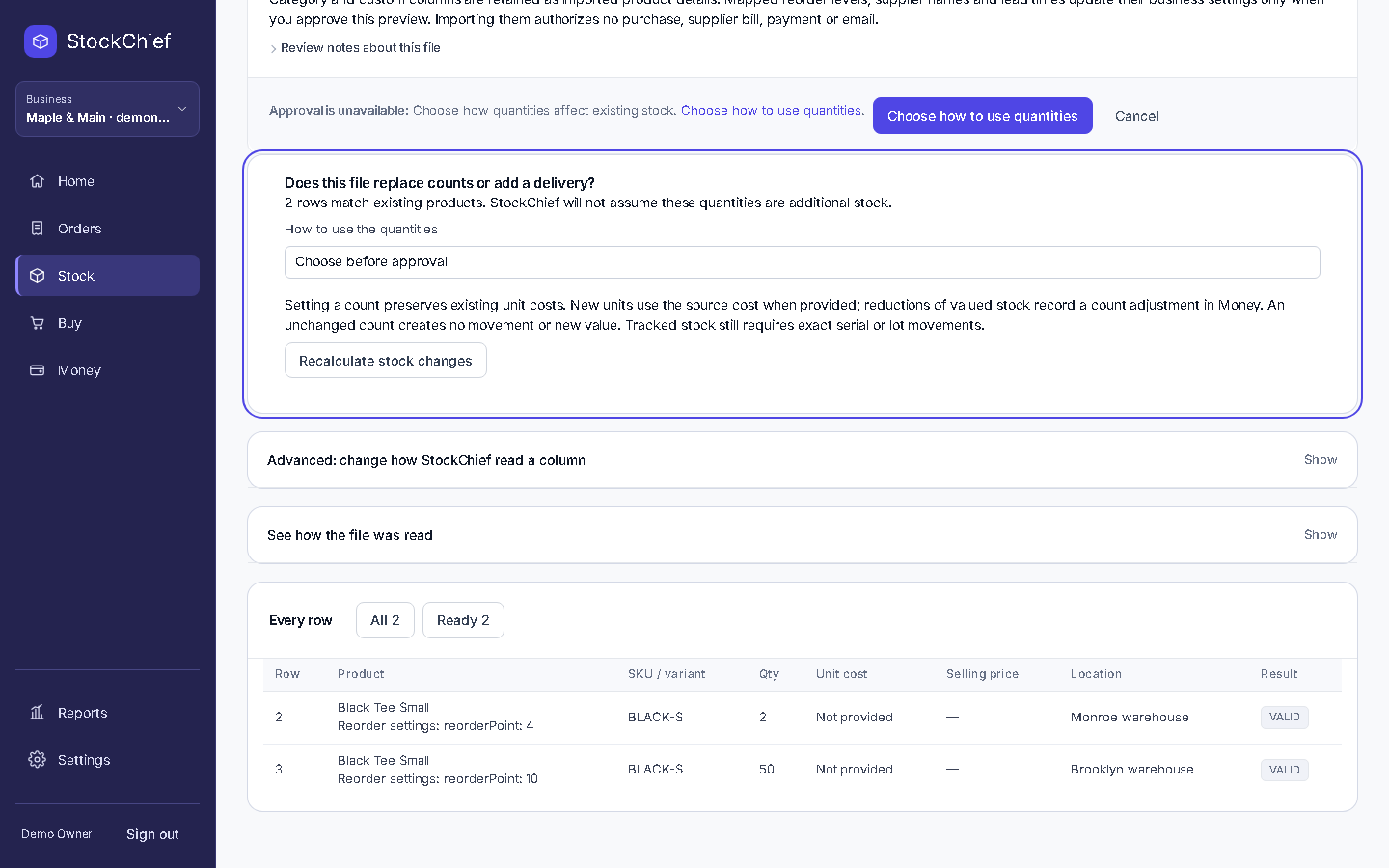 Actual preview · nothing imported
Choose the plan and operating scope that fit your business.
Compare plans →Explore the product. Choose a paid plan with a 14-day money-back guarantee.